
%201.svg)
OSHA 10- and 30-hour Outreach cards are often treated like expiring certifications, but that is not how the federal Outreach Training Program works.
Quick answer: OSHA states that student course completion cards for Construction, General Industry, Maritime, and Disaster Site do not have an expiration date. The Outreach Training Program is voluntary for OSHA and does not replace training required by specific OSHA standards. A state, municipality, employer, union, project owner, or other organization may still impose its own training or card-age requirement.
That distinction matters because a tracking system should follow the requirement that actually applies. Do not create an automatic three-year or five-year OSHA 30 renewal rule unless the organization has identified the source that requires it.
Do OSHA 30 Cards Expire?
No federal expiration date applies to OSHA Outreach student course completion cards. OSHA also explains that the Outreach Training Program provides basic safety and health information and does not fulfill an employer's obligation to provide training required by specific OSHA standards.
The card should therefore be treated as evidence that the individual completed an Outreach course, not as a professional license or a substitute for hazard-specific training.
Why Organizations Still Track OSHA 10 or OSHA 30 Dates
An organization may still need the original course date because another rule or business requirement uses card age or prior training as an eligibility condition. Examples can include a project owner, contractor, union, state or local rule, customer requirement, or internal policy.
Before setting a due date, record:
- the organization or rule creating the requirement
- the covered employees or contractors
- the acceptable OSHA Outreach course type
- the maximum acceptable card age, if one exists
- the worksite, project, jurisdiction, or role where it applies
- the evidence that must be retained
If none of those sources creates a recurring requirement, do not label the card itself as expired.
OSHA 10 vs. OSHA 30
OSHA describes both as Outreach Training Program classes. The 10-hour course is generally intended to provide workers with awareness of common job-related safety and health hazards. The 30-hour course provides a broader and more advanced overview for workers with greater safety responsibility or for organizations that choose the longer program.
The appropriate course should be determined by the organization or requirement that applies. Do not assume that every supervisor must hold a 30-hour card or that every entry-level employee must hold a 10-hour card unless the relevant rule, contract, project, or policy says so.
Build a Requirement-Based Tracking Register
A simple register can prevent the organization from confusing an Outreach course date with a regulatory renewal date. Useful fields include:
- employee or contractor name
- role and department
- work location or project
- Outreach course type
- course completion date
- card number or reference where available
- requirement source
- required retraining or acceptable-card-age rule, if applicable
- next action date
- record owner
If the organization also tracks training required by OSHA standards, keep those requirements separate. Hazard-specific training can have its own initial, periodic, event-triggered, practical, or retraining rules.
How to Configure Reminders Without Inventing a Renewal Rule
Start with the documented requirement. If a project owner requires a card issued within the last five years, the system can calculate an internal action date from the course completion date. If a local rule uses another timing model, configure that rule instead.
Reminder timing is an administrative choice unless the governing requirement specifies it. An organization might choose 60-, 30-, and 7-day notices, but those intervals should be described as internal workflow settings, not OSHA requirements.
Before relying on an LMS or HRIS, verify whether the system supports date fields, recurring rules, manager notifications, exception handling, historical records, and exports in the intended configuration.
Content Updates and SCORM Dispatch
Hosted or dispatched content can simplify some update workflows because the provider may be able to update centrally hosted material without requiring the customer to upload a new package. That does not mean every OSHA course automatically changes whenever OSHA publishes new information.
For each course, verify the provider's review process, version history, customer notification process, delivery method, and whether an administrator must take action when content changes. The exact behavior depends on the provider, course, license, LMS, and configuration.
For broader governance, see the compliance training content update guide.
Certificates and OSHA Outreach Cards Are Not the Same Thing
An LMS completion certificate can document that a learner completed a digital course. An OSHA Outreach student course completion card is issued through the Outreach Training Program process by an authorized trainer or approved online provider. Do not describe a generic LMS certificate as an OSHA 10 or OSHA 30 card unless the course and provider are authorized to issue that card.
Organizations should retain the evidence required by the rule, project, contract, or internal policy that applies.
Monthly Review Checklist
- Which upcoming action dates come from a documented external or internal requirement?
- Are any dates based only on an assumed three-year or five-year OSHA renewal cycle?
- Have employees changed role, location, project, or worksite?
- Are hazard-specific OSHA training requirements tracked separately?
- Are the course provider, version, and delivery method still current?
- Can the organization retrieve the required completion or card evidence?
- Are exceptions, leave, transfers, and duplicate records being handled correctly?
Where TraineryXchange Fits
TraineryXchange can support training content discovery, licensing, TraineryLMS, and supported delivery into compatible LMS environments. Available reminder, assignment, certificate, reporting, integration, and content-update capabilities depend on the selected content and configuration.
Review current course and delivery requirements before assuming that a specific OSHA Outreach card, renewal workflow, SCORM method, or automated report is included.
Build Training Tracking Around the Requirement That Actually Applies
Review current training content, delivery, recordkeeping, and LMS options after your organization has identified the project, jurisdiction, policy, or hazard-specific requirements it needs to manage.
Book a Demo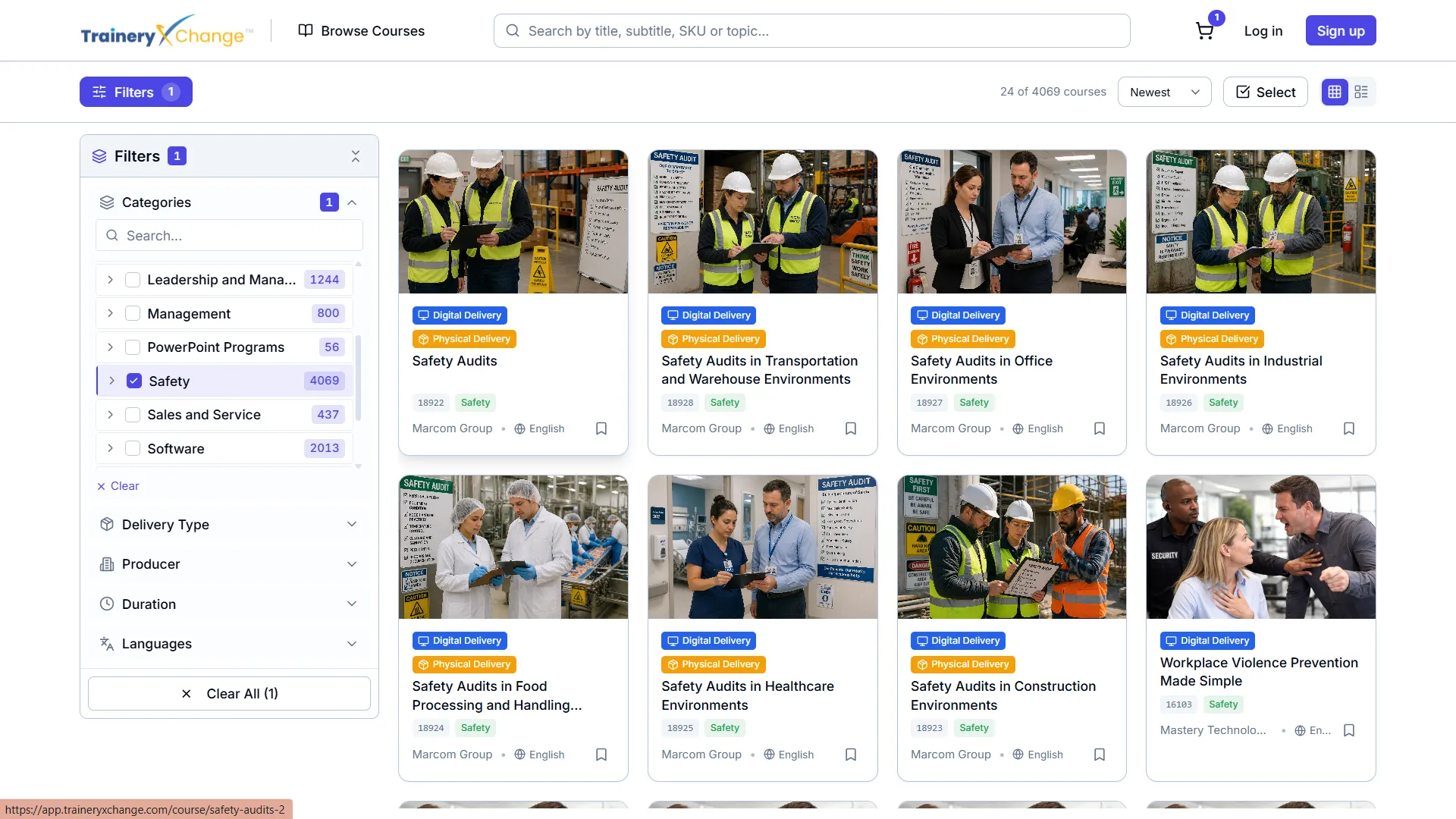



%5B1%5D.svg)
