%201.svg)
Partner Dashboard for Training Providers and Content Partners
Manage course publishing, licensing workflows, partner operations, and available sales or performance reporting from a centralized dashboard.
Manage course publishing, licensing workflows, partner operations, and available sales or performance reporting from a centralized dashboard.
.webp)
Use available publishing, reporting, and access-management tools based on the partner program and account configuration.
Upload, organize, and prepare course listings from a centralized partner workspace.
Review available sales, licensing, and performance information in the partner dashboard.
Use available access, seat, and licensing controls based on the partner program and account configuration.
Use a centralized workspace for publishing, licensing, reporting, and partner administration based on the available program configuration.
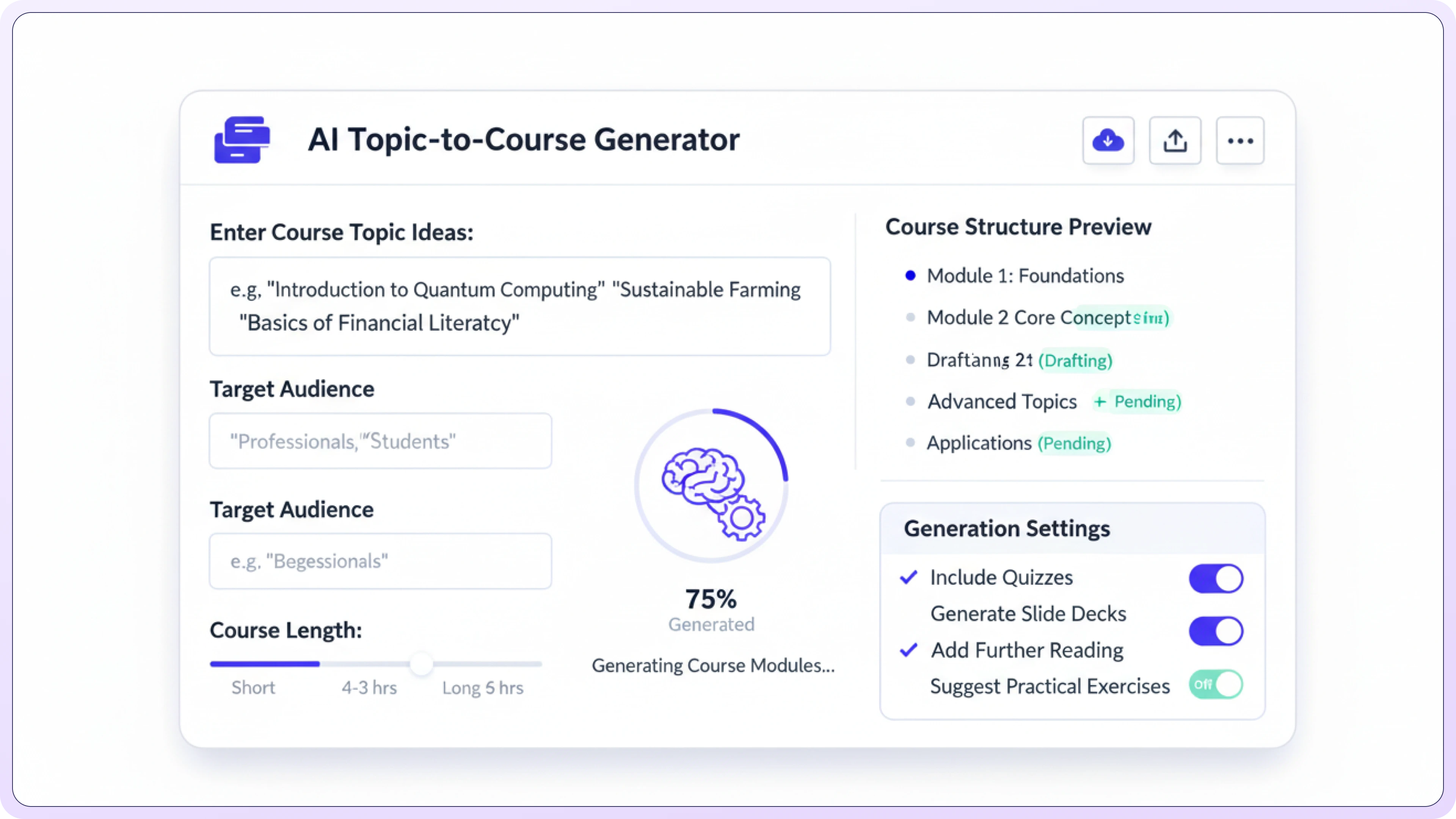
Use AI-assisted authoring to create an editable course draft from a topic or source material, then review and refine it before use.
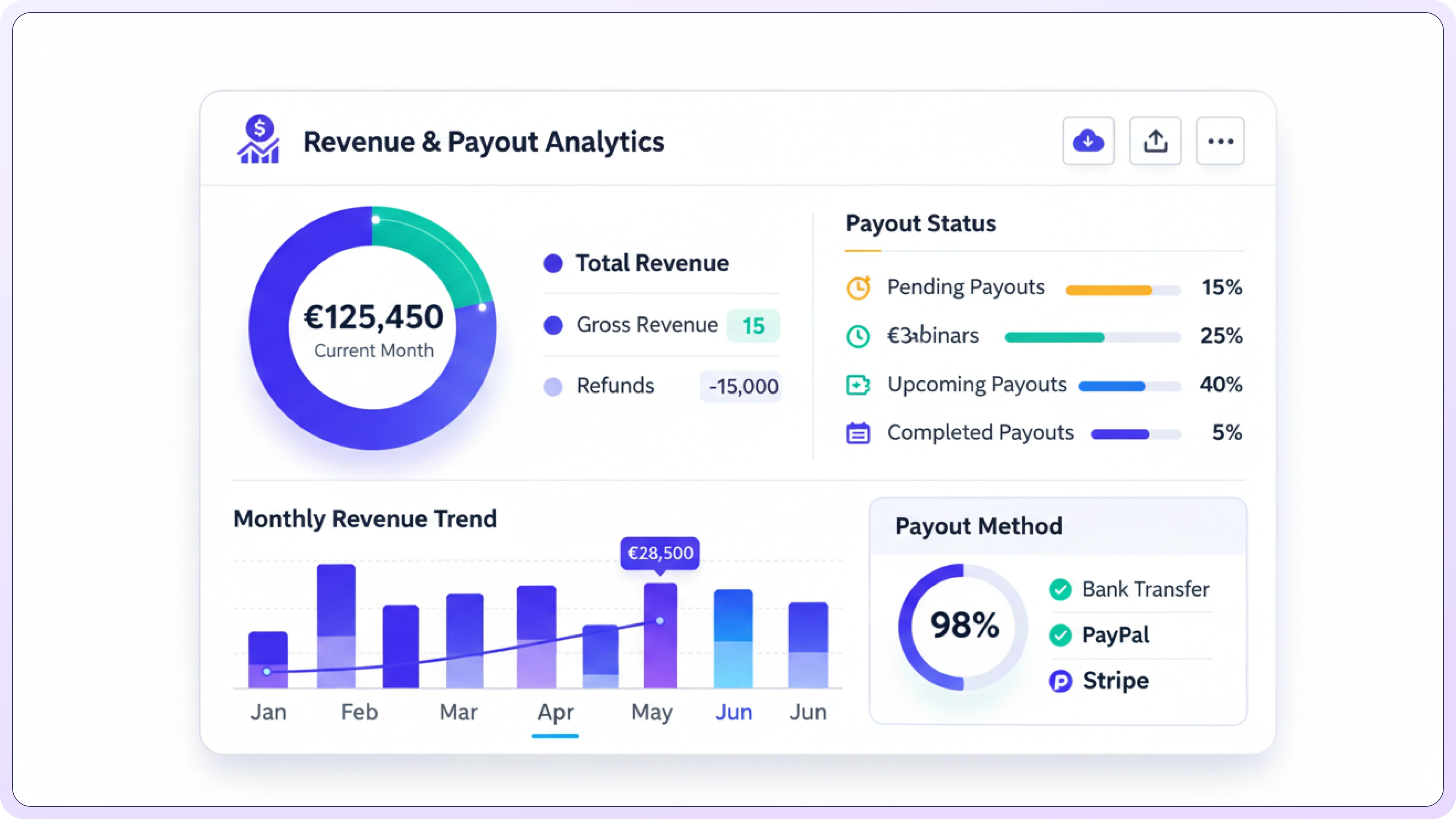
Review available sales, licensing revenue, commission, and payout information based on the partner program and account configuration.
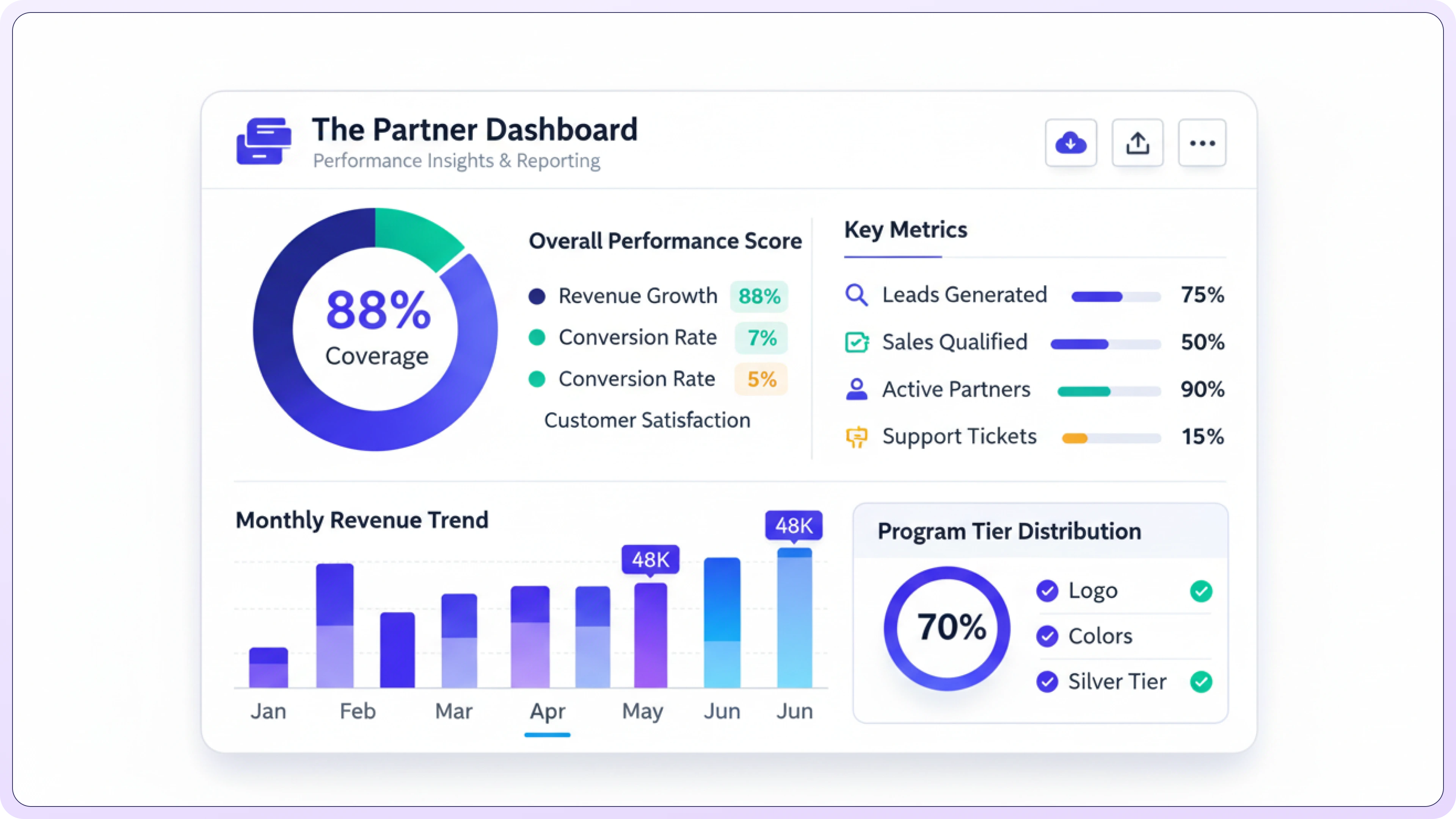
Review available course usage, learner activity, completion, and demand information where those data are supported by the program and delivery configuration.
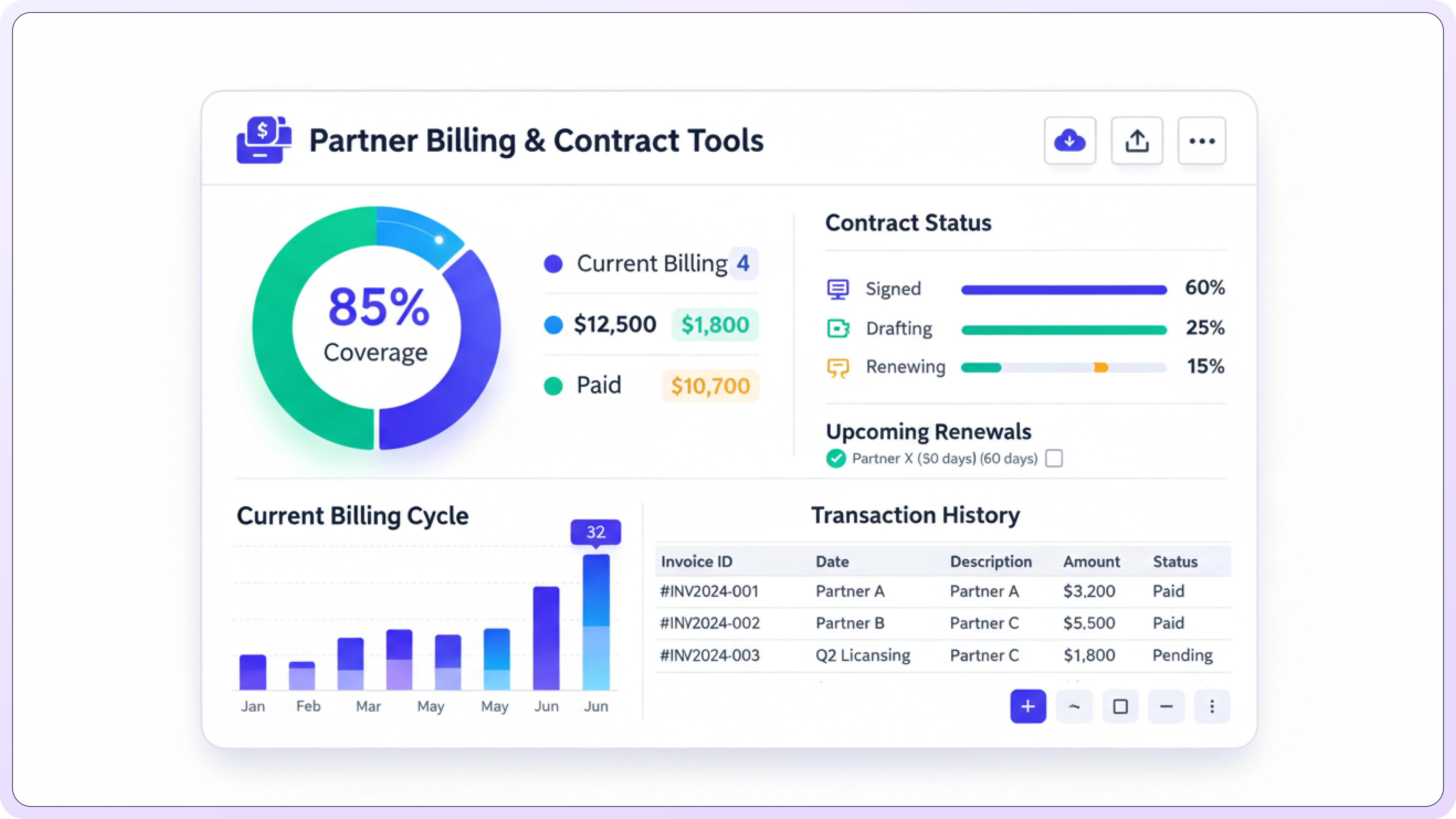
Review available pricing, invoice, payout, and agreement information based on the partner program and account configuration.
Centralize partner content, licensing, reporting, and administrative workflows without assuming specific business outcomes.
.svg)
Approved content can be made available through the applicable marketplace and partner program, subject to listing and account requirements.
.svg)
Review available revenue, usage, buyer activity, and performance information in the dashboard.

Upload, update, and organize partner course content from a centralized workspace, subject to the applicable publishing and review workflow.
.svg)
Use available seat, pricing, and licensing controls to manage how content is offered.
.svg)
Use relevant content and communication options to support learner participation where available.
.svg)
Review localization, multi-site delivery, licensing, and marketplace availability for the regions you plan to support.
A four-step overview of the typical partner workflow for publishing and managing training content.
.svg)

Add your courses, modules, and files, and structure them for easy discovery.

.svg)
Choose your pricing model, seat limits, access rules, and how buyers can view your content.

Make approved content available through the applicable marketplace or buyer workflow after required setup and review.

Review sales, usage, seat utilization, and course performance using the data available in the dashboard.
The Partner Dashboard is your central hub to publish courses, track revenue, manage licensing, monitor performance, and manage all your learning content in one place.
TalentLMS advertises Real-time Reports for learner progress, completions, and key metrics. iSpring LMS describes reporting powered by real-time analytics and a supervisor dashboard for monitoring training performance. These are providers to investigate, not an independent ranking or a verified promise of a particular refresh interval. Check the exact dashboard: Docebo's My Team Courses and Learning Plans dashboards, for example, are documented as refreshing every 24 hours rather than in real time. TraineryXchange's Partner Dashboard provides available sales, licensing, and performance reporting for content partners; workforce learning reporting depends on the selected delivery configuration. Before choosing, ask each provider to demonstrate an actual course completion flowing into the dashboard, and confirm refresh timing, integrations, filters, exports, permissions, and plan availability.
Payout timing, deductions, and reporting depend on the applicable partner agreement and account setup. The dashboard can provide available payout history and related transaction information.
Available pricing, licensing, seat, and subscription controls depend on the partner program, content type, and agreement. Confirm the supported commercial model during partner onboarding.
Multi-user access and role permissions depend on the partner account configuration. Confirm which administrator, creator, and finance permissions are available for your team.
Partner requirements can include content quality, rights and licensing information, accurate metadata, evidence for applicable compliance claims, and adherence to marketplace or platform guidelines.
Manage courses, licensing workflows, and available sales or performance reporting from a centralized partner workspace.
Partner program • Content management • Licensing support

Call 800.397.5215 to speak with our experts and find a solution that fits your organization’s needs.


%5B1%5D.svg)
