Native LMS vs. LTI Integration: A Practical Comparison
Compare native LMS and LTI approaches across setup, provisioning, reporting, governance, learner access, and administration. The right option depends on your systems and requirements.
Compare native LMS and LTI approaches across setup, provisioning, reporting, governance, learner access, and administration. The right option depends on your systems and requirements.
.svg)
Custom pricing available for multi-year and high-volume licenses

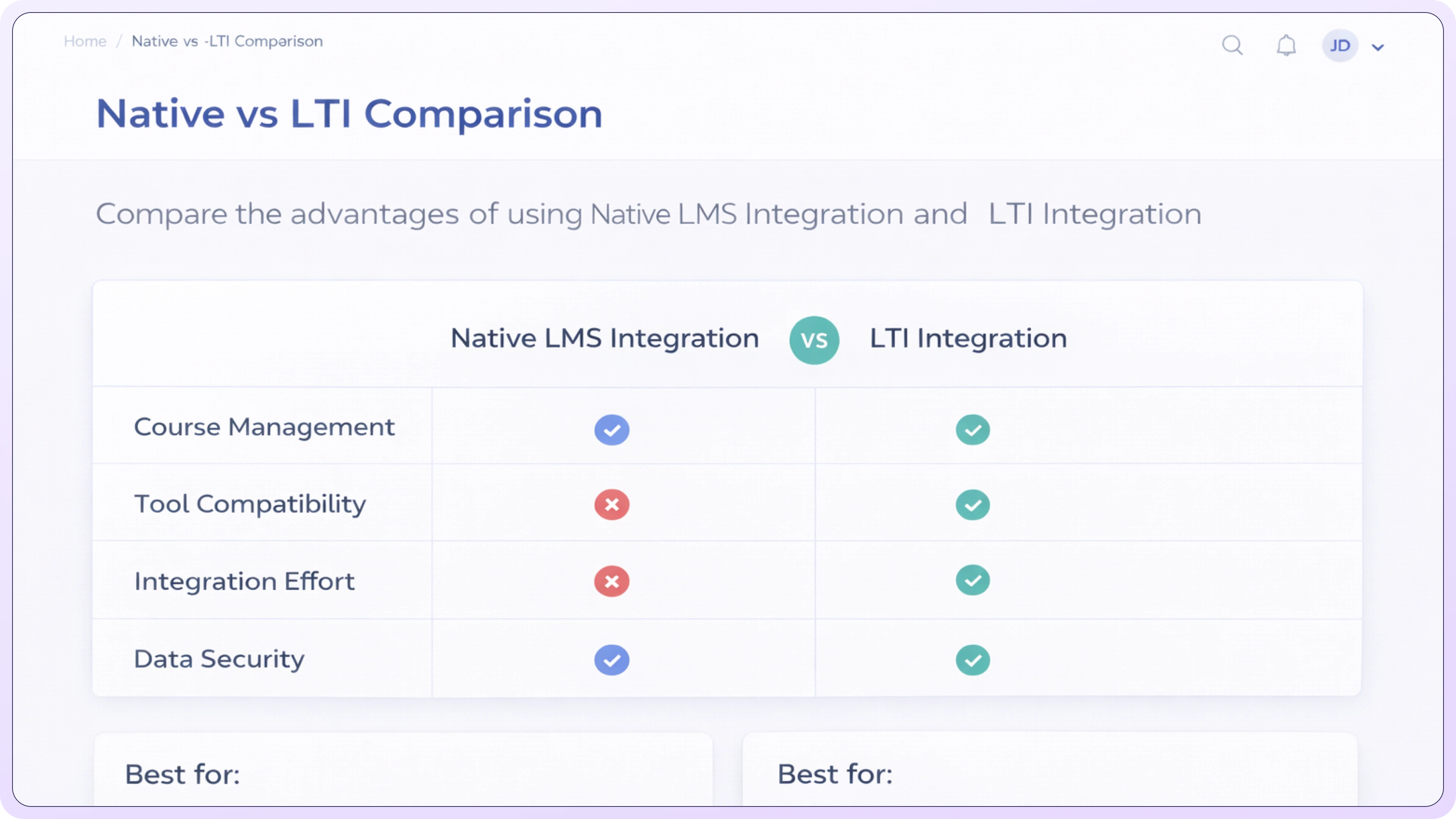
A native LMS can centralize users, learning, and reporting in one environment. Setup and ongoing administration still depend on configuration and implementation requirements.

A supported LTI configuration can keep the LMS as the primary learner environment while connecting external content or tools. Available services depend on both systems and the implementation.

A native LMS is the learning platform used directly to manage learners, content, assignments, records, and reporting within that system. Exact capabilities depend on the LMS and configuration.
LTI requires an LTI-capable platform, commonly an LMS, to act as the platform side of the connection. If the organization does not already have a suitable learning platform, a native LMS may be simpler, but the decision depends on delivery and administration requirements.
Neither approach is universally faster. Timing depends on LMS setup, LTI version and services, identity and provisioning, security review, content configuration, testing, and administrative requirements.
Native LMS reporting depends on the LMS and configuration. LTI reporting depends on the LTI version, services supported by both systems, and implementation. Confirm exactly which data, such as launches, grades, roles, or other records, is exchanged.
Completion or grade data may be available when the LMS, external tool, LTI version, and required services support the exchange. Confirm the exact data flow and test it in the target LMS before relying on it for reporting.
Compare supported setup paths, content-delivery options, reporting needs, and implementation requirements with the TraineryXchange team.
Integration requirements vary by LMS, LTI services, content, security, and configuration.

Call 800.397.5215 to speak with our experts and find a solution that fits your organization’s needs.

%201.svg)



%5B1%5D.svg)
