Millions of views on licensed assets

Learning and Content. One platform.
Zero integration headaches.

TraineryLMS is the only LMS built with a native marketplace that lets you license content, deploy learning, and track outcomes in one connected experience.

Ready to Route Your Path

Select the solution that fits your current infrastructure.

I don’t have an LMS

Launch a modern, branded learning environment in minutes. Includes the full marketplace integration.

Launch in < 24 hours
Auto-provisioned setup
Custom branding & SSO
Start Trainery LMS Trial

I have my own LMS

Keep your current LMS and just plug in our 10,000+ course library seamlessly via LTI.

Seamless LTI connection
Instant content updates
Unified billing & licensing
Use Content via LTI

At-a-Glance Advantages

The core reasons why leaders choose TraineryLMS.

Speed

Go live in <24 hours. Our auto-provisioning system handles the heavy lifting while you focus on training.

Choice

Access 10,000+ premium courses alongside your own proprietary content in one unified library.

Simplicity

Unified analytics & automated provisioning across all users, regardless of how you deliver the content.

Everything you need to scale learning

We've built a robust infrastructure that bridges the gap between high-quality content providers and modern enterprise needs.

Native marketplace with licensing and delivery controls

SCORM / xAPI / LTI support for external LMSs

Auto-provisioned trial LMS for content buyers

Enterprise controls: SSO, RBAC, audit logs

Offline delivery (USB/DVD) for remote sites

Learning Path, Learning Plan and enhanced Analytics

Leverage Bundle to assign courses in few clicks

Our Track Record of Success

300+

Organizations

500,000+

Learning records

99.9%

Uptime SLA

Explore the LMS

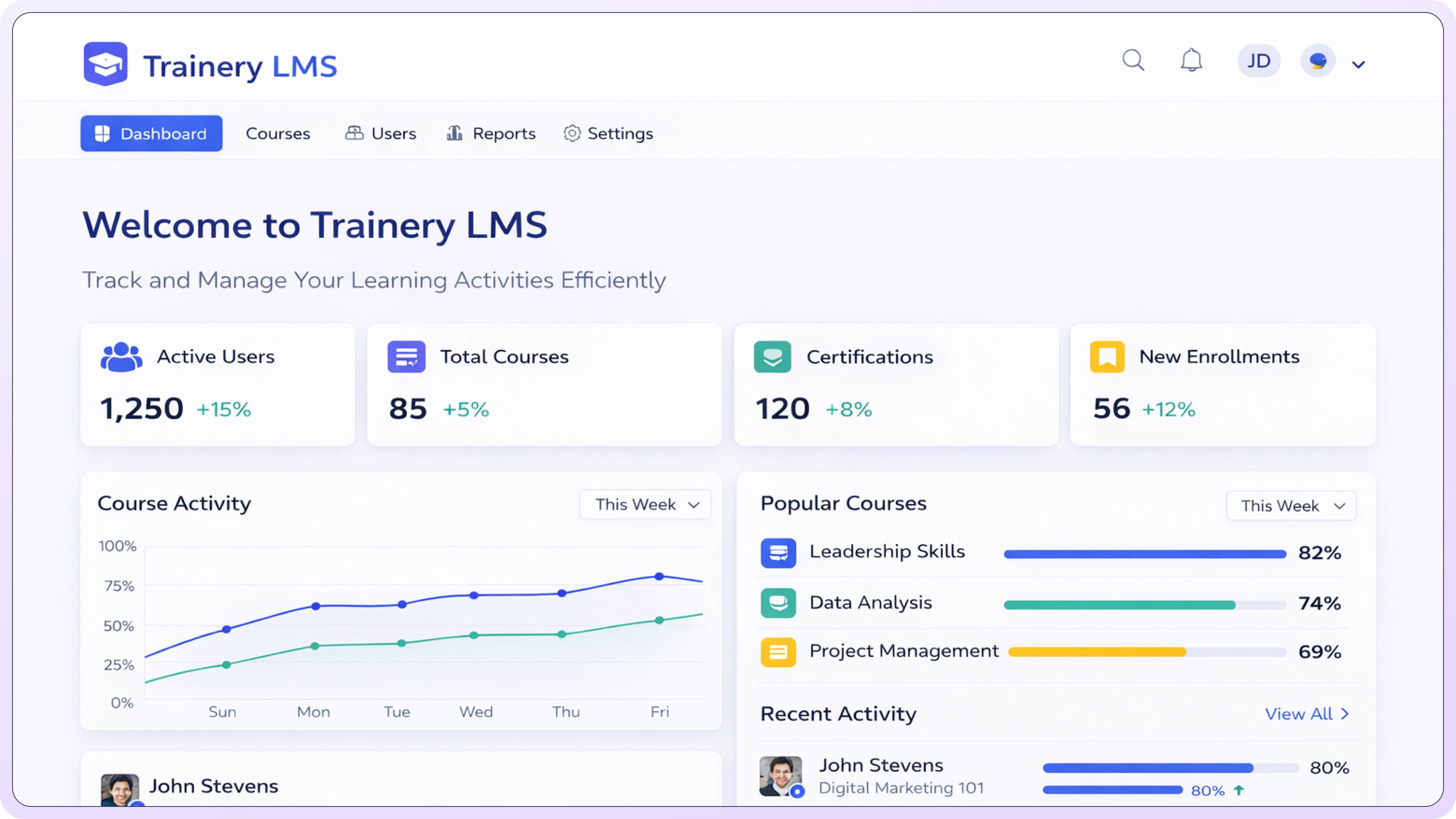
TraineryLMS

TraineryLMS is a next-generation learning management system designed to simplify training delivery while maximizing impact. From onboarding and compliance to upskilling and leadership development, TraineryLMS enables organizations to launch programs faster, personalize learning journeys, and track outcomes with confidence. With enterprise-grade scalability, robust reporting, and seamless content integrations, it ensures learning drives real performance not just completion.

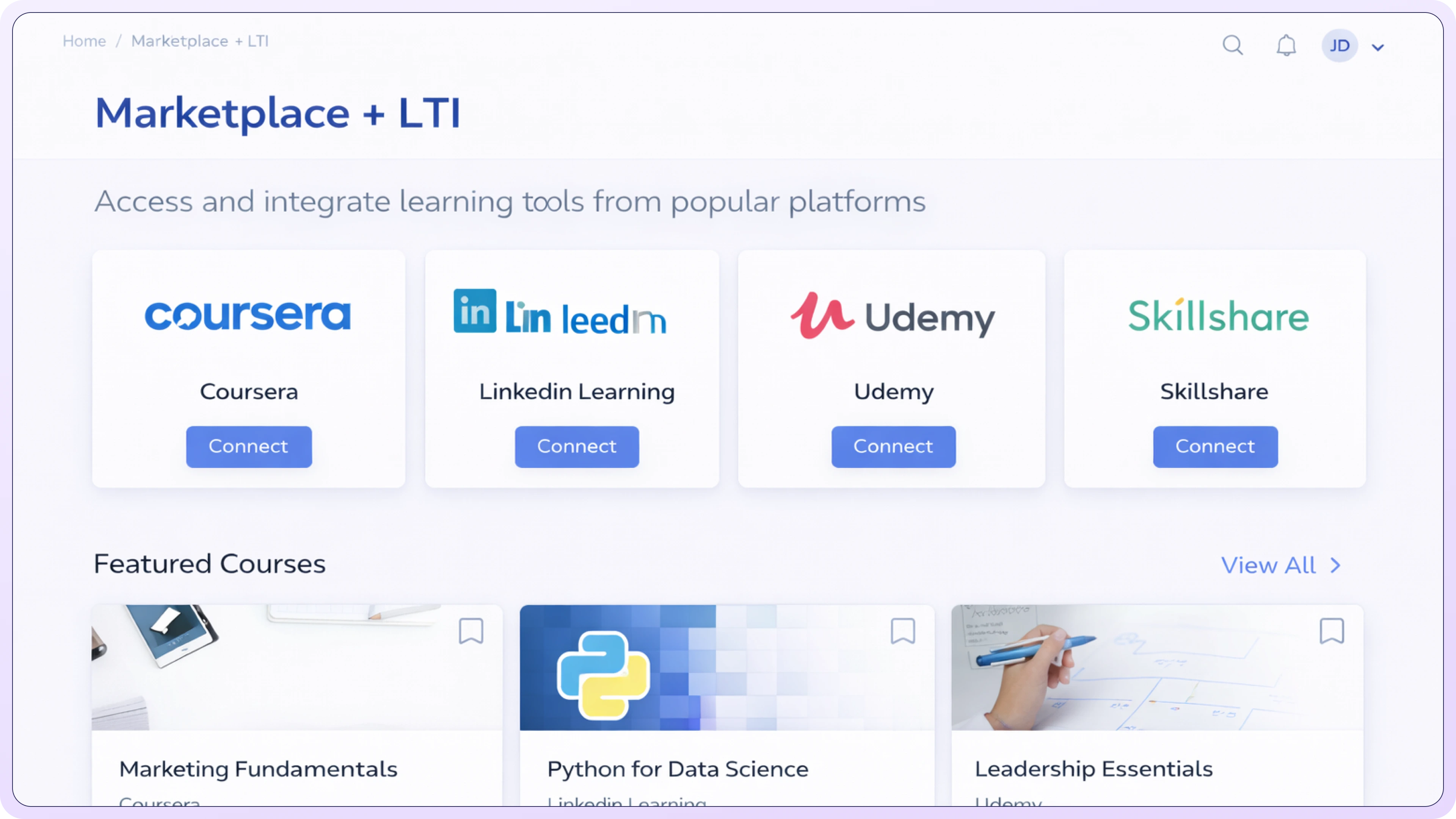
Marketplace + LTI

TraineryXchange’s Marketplace + LTI integration allows organizations to access licensed, expert-built courses directly inside their LMS. With no content migration required and no impact on existing workflows, teams can deliver high-quality learning faster while keeping the LMS as the system of record.

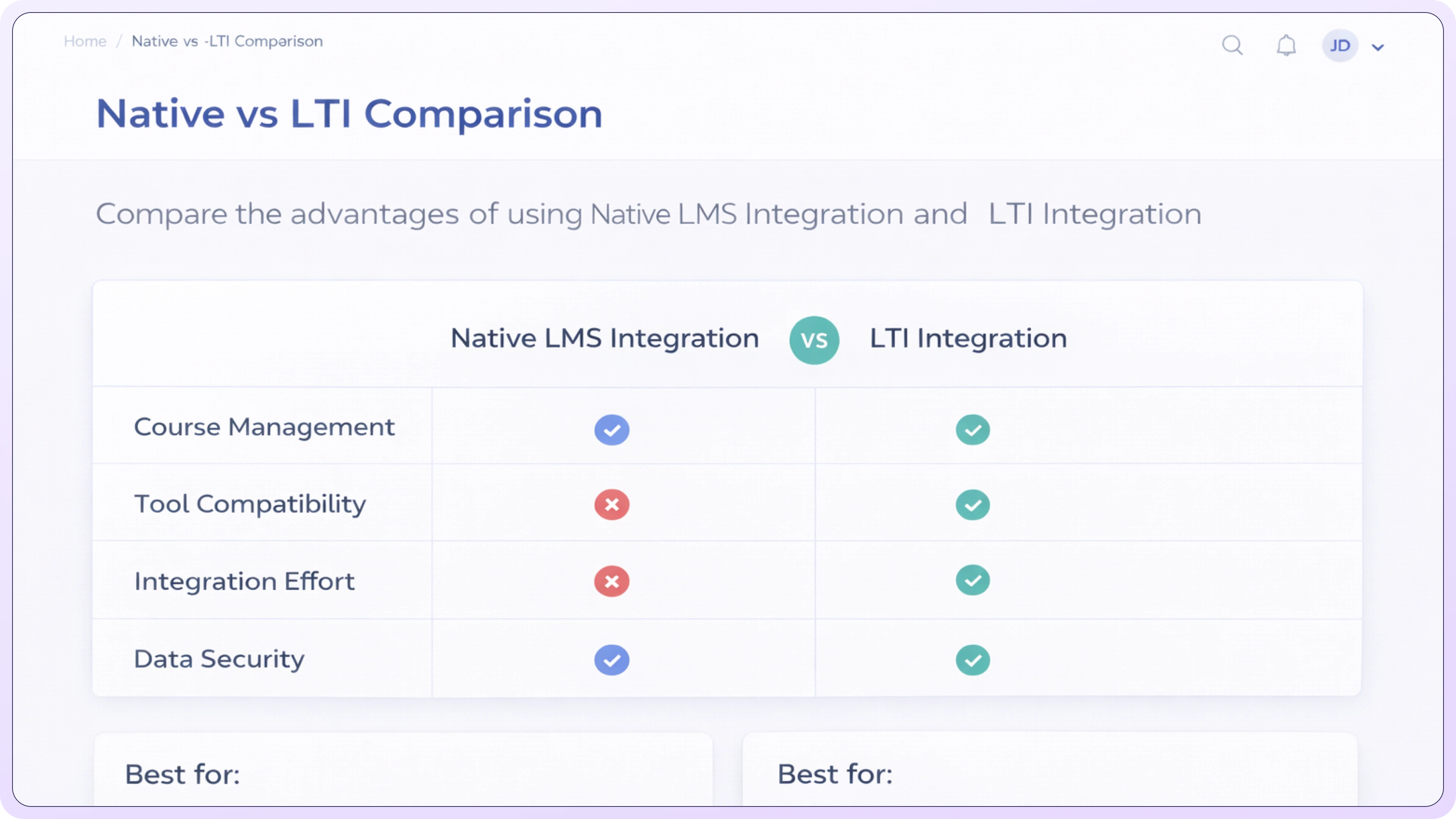
Native vs LTI Comparison

Evaluate native LMS delivery versus LTI integration to understand trade-offs in deployment speed, user experience, tracking, and system ownership, so you can make an informed decision.

Technical setup FAQ for LMS administrators

Which LTI versions are supported?

TraineryXchange supports industry-standard LTI 1.3 (Advantage) for secure authentication, deep linking, and grade/completion passback. LTI 1.1 can be supported for legacy LMS environments upon request.

What configuration details are required?

You’ll receive a secure configuration package including a client ID, deployment ID, public key set URL, and launch URL. These values are entered into your LMS’s external tool or app configuration panel.

Does this support Deep Linking?

Yes. LMS administrators and instructors can browse and select TraineryXchange content directly from within the LMS and place courses or modules into specific classes or learning paths without manual URL setup.

How is authentication handled?

Authentication is managed using OAuth 2.0 and JSON Web Tokens (JWT) as part of the LTI 1.3 standard, ensuring secure, token-based user validation and session integrity.

What data is passed to TraineryXchange?

Only required LTI claims are exchanged, including user ID, role (learner/instructor), course context, and launch parameters. No HR, payroll, or non-learning system data is transmitted.

How are completions and grades returned?

Completion status and, where supported by your LMS, grade passback are handled through LTI Advantage Assignment and Grade Services (AGS), allowing results to appear natively in LMS gradebooks and reports.

What firewall or network access is required?

Admins must allow outbound HTTPS (port 443) to TraineryXchange endpoints and permit access to the platform’s public key and launch URLs. IP allowlists can be provided for restricted environments.

Do you provide setup guides for specific LMS platforms?

Yes. Step-by-step guides are available for major platforms such as Canvas, Blackboard, Moodle, and Brightspace, including screenshots and validation checklists for IT and LMS administrators.