%201.svg)
Excel Foundations: Workbooks, Worksheets & Formatting
Develop workbook navigation, data entry, formatting and basic calculations.
View Course →Help employees build spreadsheet skills to organize information, use formulas, analyze data and prepare clearer reports.
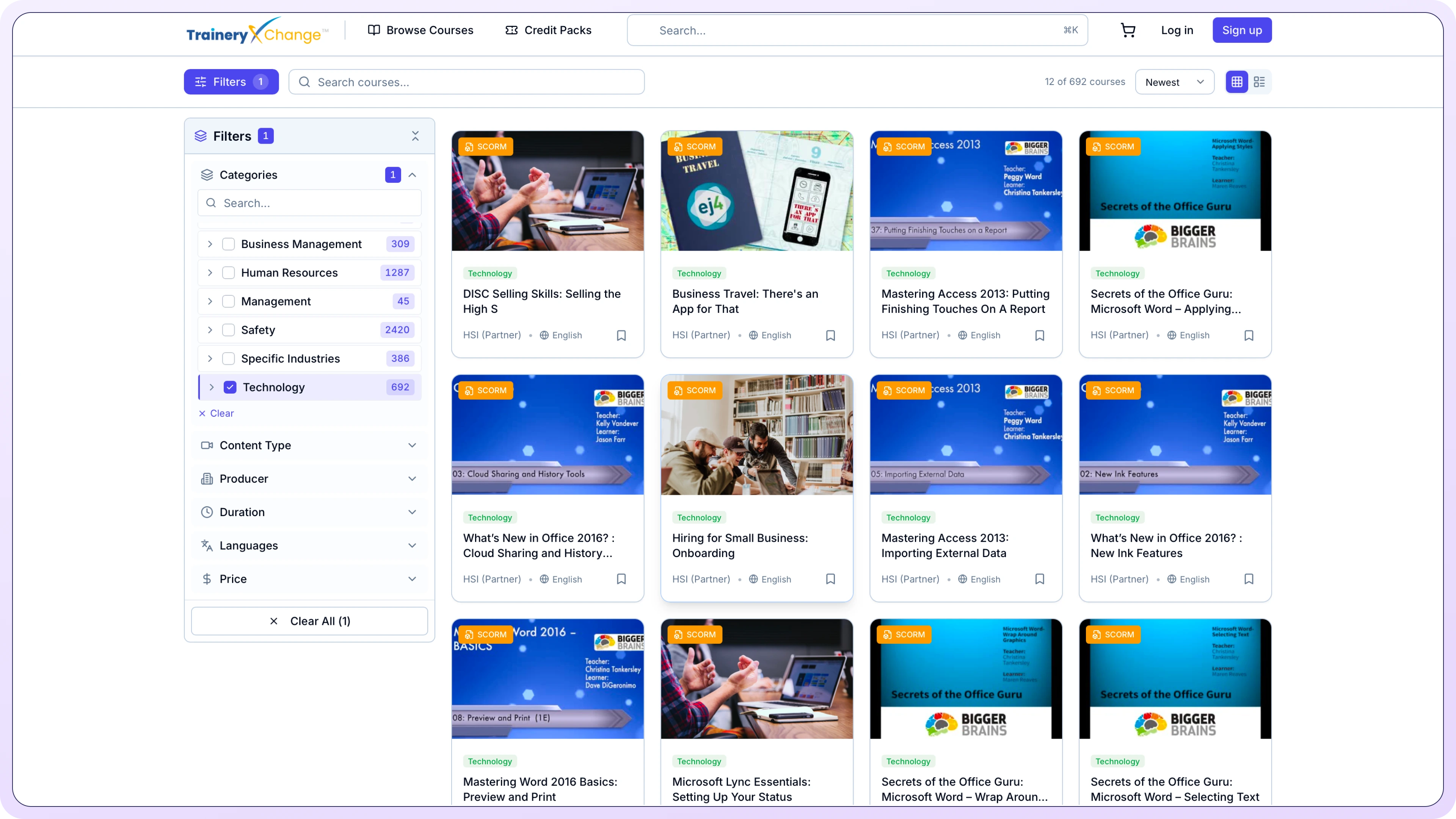
Explore online Microsoft Excel courses through TraineryXchange, or get help selecting content for employees’ experience, job roles and development needs.
Excel training topics
Browse Catalog →Inconsistent data. An incorrect formula. A report that takes too long to update. Build practical skills around the spreadsheets employees use.
Navigate workbooks, organize worksheets, enter data and format cells.
Use calculations, cell references and everyday functions.
Sort, filter, format and manage spreadsheet data.
Present information using charts, tables and clear layouts.
Explore PivotTables, lookup functions and tools for larger datasets.
Use these priorities to guide your course selection.
Start with workbook navigation, data entry, formatting, simple calculations and everyday spreadsheet tasks.
Build efficiency with formulas, functions, sorting, filtering, tables, charts and recurring reports.
Strengthen PivotTables, advanced formulas, data transformation and analytical reporting.
Compare courses by employees’ current skills, Excel version and learning goals. Verify catalog details before assignment.
Develop workbook navigation, data entry, formatting and basic calculations.
View Course →
Develop practical skills with calculations, functions, sorting, filtering and structured data.
View Course →Explore calculated items, custom summaries, GETPIVOTDATA, rankings, percentages and subtotals.
View Course →Build a progression that connects learning with real spreadsheet tasks.
Start with workbook navigation, worksheet management, cell formatting, data entry and basic formulas.
Learn common functions, tables, sorting, filtering, charts and recurring report techniques.
Build advanced skills through realistic spreadsheet exercises, analysis tasks and reporting scenarios.
This is an example sequence. Choose courses by employee experience, Excel version and workplace responsibilities.
Employees use Excel differently. An HR coordinator may manage records while a finance analyst works with budgets and reports.
Explore Excel content based on job roles, current skills, learning priorities and delivery requirements.
Discuss a Curated Excel ProgramCombine courses with company spreadsheets, reporting processes, data handling policies and practical exercises.
Plan how employees access courses, practice skills and demonstrate what they have learned.
Share learner counts, current levels, relevant Excel versions, topics and intended access period.
Explore Content Licensing →Check delivery formats, assessments, completion tracking and compatibility with your LMS.
Review LMS Delivery Options →Discuss TraineryLMS for course assignments, learner access and training reports.
Explore TraineryLMS →Excel courses help employees develop spreadsheet skills for organizing information, calculations, analysis and reporting, from basics to advanced PivotTables.
Start with workbook navigation, data entry, formatting, basic calculations and simple formulas, then sorting, filtering and charts.
Intermediate topics include formulas, lookup functions, conditional formatting, data validation, tables, sorting, filtering and charts.
Advanced courses can cover PivotTables, advanced formulas, Power Query, data modeling and complex reporting. Coverage varies by course.
Discuss departments, Excel experience, responsibilities, reports and learning goals to explore appropriate content.
Delivery depends on content and LMS capabilities. Confirm formats, assessments, completion tracking and licensing.
Guides to help map skills, select content and plan training delivery.
Map Excel skills and course assignments to employees’ responsibilities.
Review how external courses support onboarding and skill development.
Plan priorities, content, delivery and practical learning outcomes.

Call 800.397.5215 to speak with our experts and find a solution that fits your organization’s needs.


%5B1%5D.svg)
